Corner (L-Shaped) Desk vs Straight Desk: Which Suits Your Space?

If you have a corner going spare, a corner desk will usually give you more working surface from the same room than a straight desk. If you have one clear wall, a narrow room or a team to seat in a row, a straight desk is the simpler fit. That's the short answer. The rest comes down to your measurements and the way you work.

A corner desk and an L-shaped desk are the same thing: two work surfaces joined at a right angle, so one runs along each wall and your work sits around you. A straight desk is a single rectangle that sits against one wall or out in the room. Measure first, because the right shape is the one your walls can actually take, then choose from our office desks with confidence.

Is a corner desk the same as an L-shaped desk?

Yes. The two names describe one shape: a main desk with a second section, called the return, joined at a right angle. You'll see both names used for the same desk, including on our own pages, so whichever you search for, you're looking at the same thing.

Some corner desks have a curved inner edge where the two sections meet, known as a crescent design. It's still a corner desk. The curve gives you a wider front edge in the angle, so you can sit facing into the corner with your screen straight ahead and the return within reach.

A straight desk is the rectangle most people picture when they think of a desk. Its strength is simplicity. It goes against any wall that's long enough, works out in the middle of a room and lines up neatly with other desks.
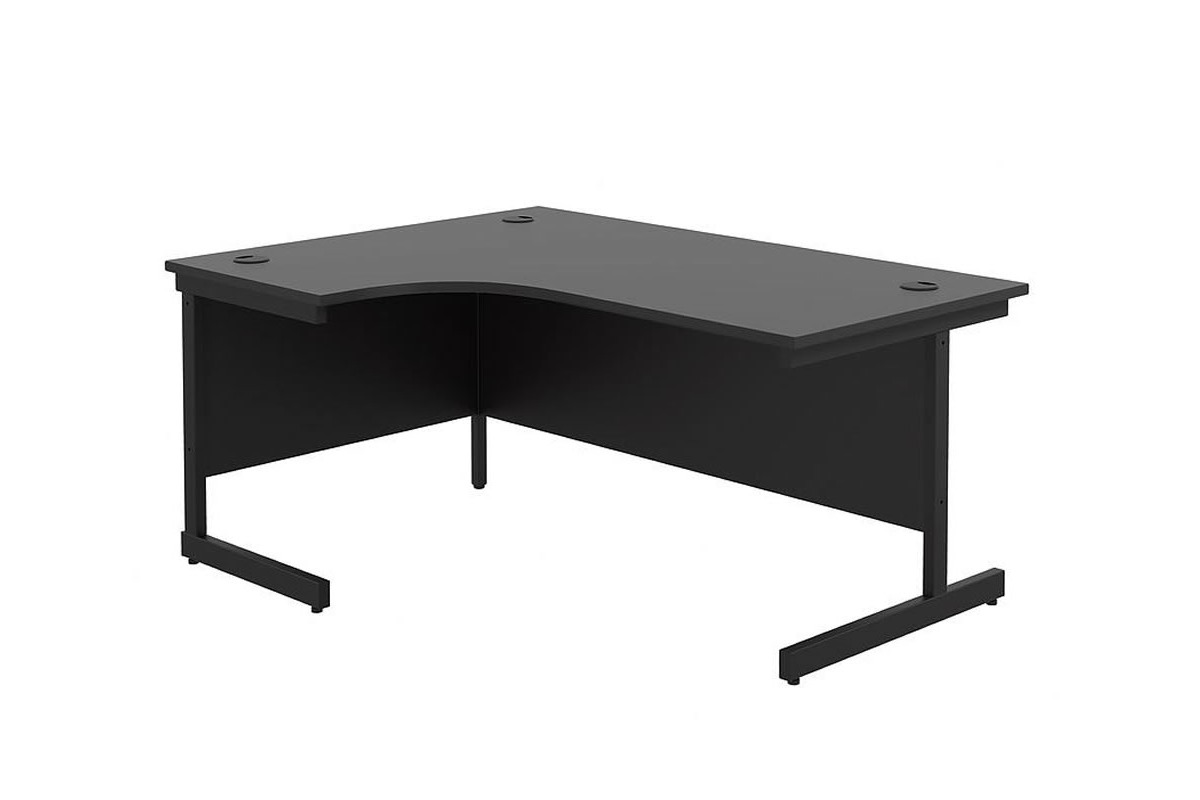
Kestral Black Cantilever Crescent Workstation, a corner desk with a black top and black cantilever legs

Corner desk vs straight desk at a glance

The real difference is how each shape uses your room. Here's how they compare on the points that matter when you choose.

Feature Corner desk Straight desk
Shape Two sections joined at a right angle One rectangular surface
Where it fits A room corner, with a section along each wall Along any wall that's long enough, or out in the room
Work surface Two areas, so your screen has one and paperwork or a second task has the other One area, where the width sets how much fits side by side
Depth Deepest in the angle where the sections meet, so a large screen can sit further back there The same depth all along, so choose a deeper top for a full-size monitor
Left or right The return goes on the left or the right to suit your corner No left or right version to choose
Moving it later Needs another corner with walls long enough for both sections Fits any wall of the right width

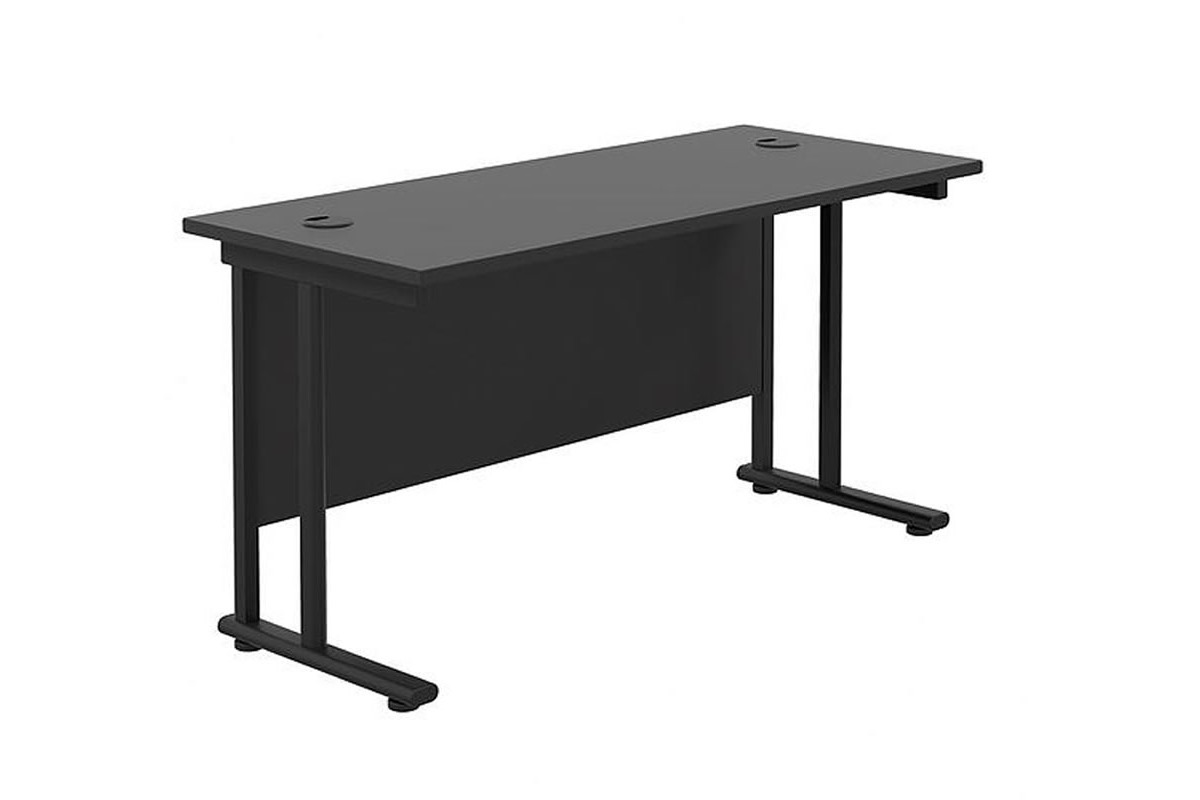
Our Kestral range shows the difference well. The crescent corner workstation and the rectangular desk share the same black top and steel cantilever legs, so the only real decision is the shape. That makes it easy to give a manager a corner desk and the team straight desks, with one look throughout.

How much space does each desk need?

A corner desk turns an empty corner into working space, but it takes up more floor than a straight desk, because the return runs out along the second wall. A straight desk needs one clear stretch of wall. Either way, a few minutes with a tape measure tells you which shape your room can take.

1. Measure both walls for a corner desk

Measure each wall from the corner outwards. The main section needs its full width along one wall, and the return needs its full length along the other. Compare each figure with the matching measurement on the desk you like. Note anything along either wall that would get in the way, such as a door that opens inwards, a radiator, a window sill or a socket you need to reach.

2. Measure one wall for a straight desk

For a straight desk, width is the main decision, and it's simply how much clear wall you have. Our desks are grouped by width, so once you have the figure you can go straight to 120cm desks, 140cm desks or whichever width fits. Our guide to choosing a desk width shows what each common width holds.

3. Decide how deep the desk should be

Depth decides how far back your screen can sit. It also sets how much room is left in front for a keyboard, notes and your forearms. If you work at a full-size monitor, choose a top deep enough to push the screen back with the keyboard comfortably in front of it. A laptop-only set-up can live happily on a shallower desk. On a corner desk the angle is the deepest point, which is why a crescent desk suits a large screen placed in the corner. Our post on how deep a desk should be goes through standard depths in detail.

4. Leave room for your chair

Whichever shape you choose, keep enough clear floor behind the desk to roll your chair back and stand up without hitting a wall or a cabinet. On a corner desk you sit in the angle, so check the chair can swivel between the two sections without catching on the desk edges.

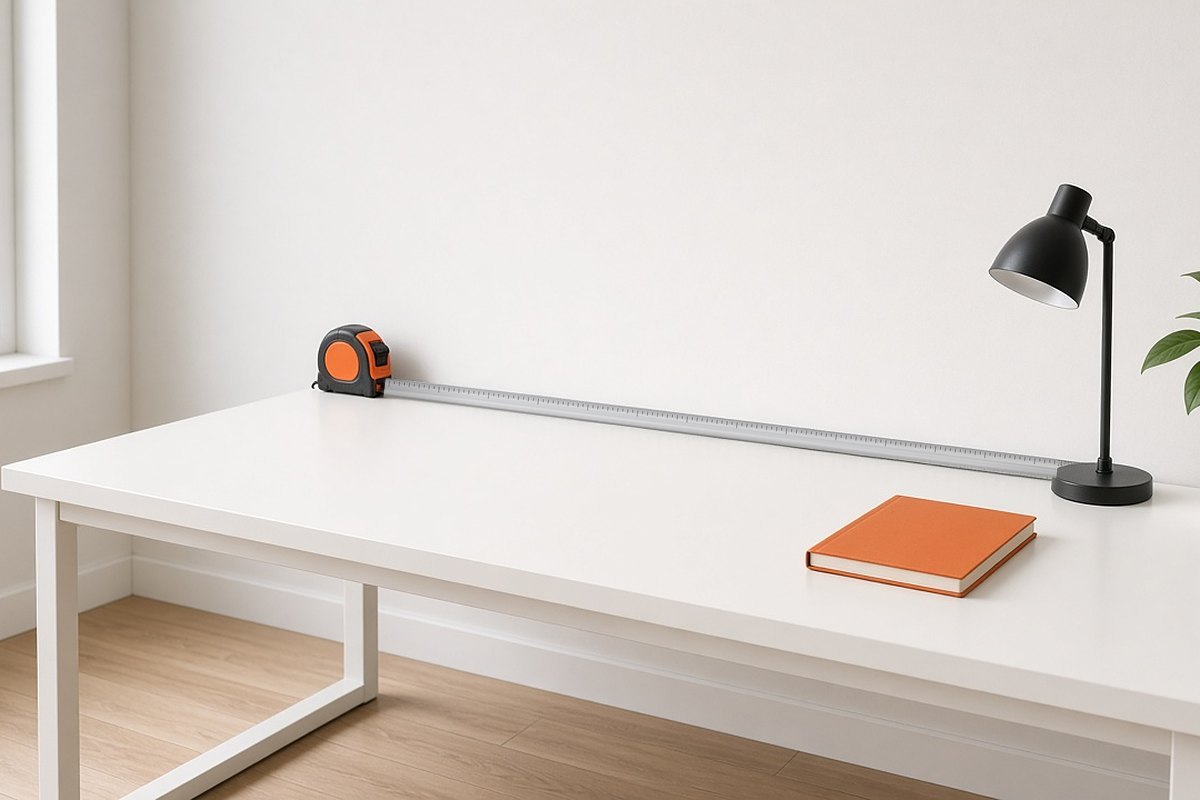
Tape measure along the back of a straight white desk against a wall

How to set up a corner desk and a straight desk

HSE's display screen equipment guidance sets out how to arrange a screen and keyboard. Keep them central and directly in front of you, with the top of the screen level with your eyes and about an arm's length away. The keyboard sits just below elbow height, with the mouse in line with your elbow. Those points apply to either shape. What changes is how you arrange everything else around them.

On a corner desk

Give one section the job of holding your screen and keyboard, and sit square to it. The return then becomes your second desk for paperwork, a phone, a printer, reference books or a laptop alongside your main screen. When you switch tasks, swivel your chair to face the section you're using rather than reaching across the angle. On a crescent desk you can sit in the curve itself, with the screen in the corner and both sections within reach.

On a straight desk

Centre the screen and keyboard in front of your chair and keep the things you use most within easy reach on either side. A straight desk has no second surface, so storage matters more. A mobile pedestal tucks underneath and keeps your drawers close without taking any desk space. You'll find them in our drawers and pedestals range.

Keep cables tidy on either shape

Cable ports are holes in the desktop that let leads drop through to the floor, so the work surface stays clear. They're worth looking for on any desk that will carry a screen. On a corner desk they also let you run a lamp or a second screen on the return without leads trailing across the top.

Kestral Black Rectangular Cantilever Desk with a black top and black cantilever legs

Which desk suits which kind of work?

Both shapes work well in an office or a home office. The deciding factors are your room and the kind of work you do most days.

Choose a corner desk if

  • You have a free corner and the walls on both sides are long enough.
  • You work at a screen and also read, write or sketch on paper.
  • You use two screens and want room around them.
  • You want a printer, files or reference books within reach without cluttering your main work area.

Choose a straight desk if

  • Your room is narrow, or the only free space is a wall between a door and a window.
  • You might move the desk to another room later.
  • You're setting out several desks in a row for a team.
  • You work mainly from a laptop or a single screen.

Thinking about a standing desk?

If you'd like to switch between sitting and standing, look at our standing desks too, as the same space questions apply. For smaller home rooms, our home office range includes laptop desks as well as full-size desks, and our guide on how to choose a home office desk covers materials and storage.

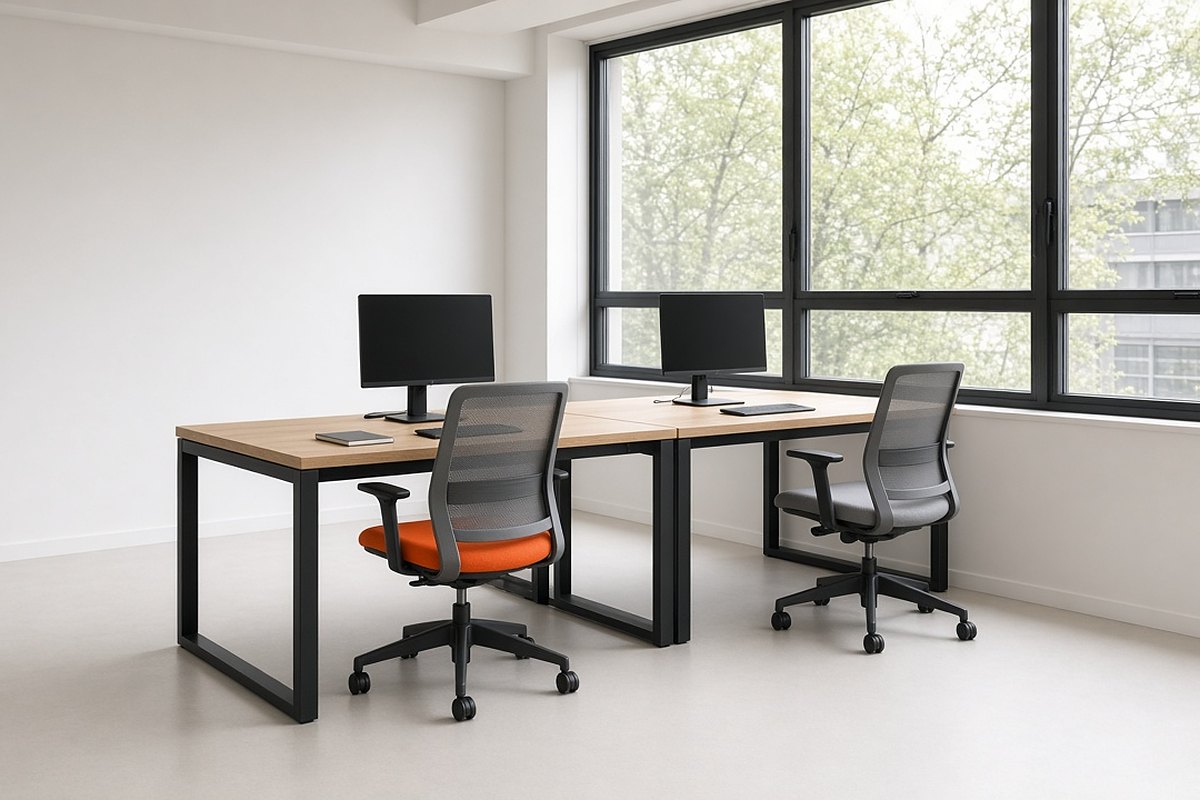
Two straight office desks set side by side in a row in a small shared office

Corner desk vs straight desk: common questions

Which is easier to move, a corner desk or a straight desk?

A straight desk, because any wall of the right width will take it. If you choose a corner desk and a move is on the cards, measure the new room first, so you know it has a corner with long enough walls on both sides.

Are corner desks good for small rooms?

Yes, if you have a free corner. A corner desk puts space that might otherwise sit empty to work, and it gives you two surfaces in a footprint that hugs the walls. If there's no free corner, or the walls either side are short, a straight desk in a narrower width, such as 80cm or 100cm, is the neater fit.

Are corner desks ergonomic?

Yes. Set up the way we describe above, a corner desk works just as well as a straight one. The return also gives everything else a home, so the main section stays clear. The one layout to avoid is splitting your screen and keyboard across the two sections, which leaves you sitting at an angle to your work.

Should I choose a left-hand or right-hand corner desk?

Handing tells you which side the return sits on as you sit at the desk. On a left-hand corner desk it's on your left, and on a right-hand desk it's on your right. To choose, stand facing the wall where your main screen will go and note which side the other wall is on. That's the version you need. If you'd like a second opinion on your layout, call us on 01234 834693 and we'll talk it through.

Choosing your desk

If you have a free corner and your work spreads beyond one screen, a corner desk turns that corner into a full workstation with room for everything. If your space is a single wall, a narrow room or a row of team desks, a straight desk does the job neatly and moves easily when your layout changes. Measure your walls, settle on the depth your screen needs, and the right shape soon becomes clear.

Browse our corner desks to compare sizes and left-hand or right-hand versions, or see every shape and width in our office desks.

Cookies in ChairOffice

We use cookies to give you the best experience with us and track our marketing. You are free to manage cookies via your browser settings at any time (Allow/Remove). By continuing to use the site you confirm are happy with our privacy policy.